
The Assistant That Can Act
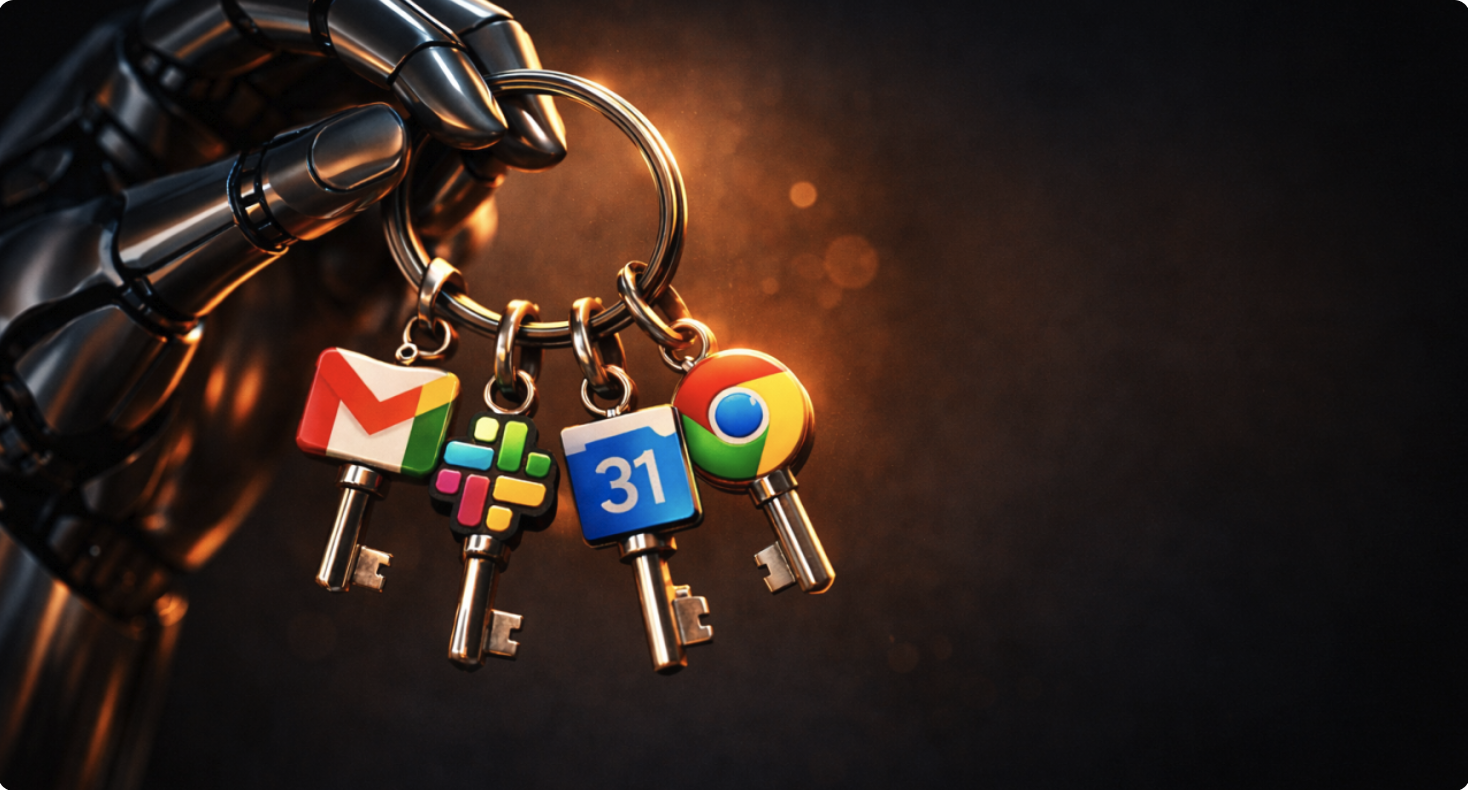
When your AI agent holds the keys
It's 9:47 am on a Monday. A security engineer at a mid-size financial services firm gets a Slack from an analyst: "Hey, can you check something? I installed OpenClaw a few weeks ago. It connects to my email and calendar. It's amazing. But I just realized it might have access to... a lot."
The engineer investigates. The analyst set it up three weeks ago. It holds OAuth tokens to Gmail, Google Calendar, Slack, and a browser session logged into the company's CRM.
Nobody in IT knew.
When the engineer asks how many others might be using it, the answer comes back: "I showed it to my whole team."
That's the pattern emerging right now. Most organizations aren't ready for it.
What Is OpenClaw?
If you haven't heard of it yet, you will.
OpenClaw is an open-source, local-first AI assistant that connects to your messaging channels—WhatsApp, Slack, iMessage, Telegram, email—and can take actions on your behalf. Schedule meetings. Send messages. Fill out forms. Operate a browser. Call APIs.
You may have heard it called Clawdbot or Moltbot. The name changed twice in a matter of days, first after a trademark request from Anthropic, then again as the project settled on OpenClaw. The repo now lives at openclaw/openclaw, docs at docs.openclaw.ai.
The project launched in late 2025 and adopted the OpenClaw name in late January 2026. The naming churn tells you something: adoption is viral, iteration is fast, and the ecosystem is still stabilizing.
The appeal is real: local-first deployment means your data stays on your machine, the multi-channel inbox consolidates context, and a single control plane handles sessions, tools, and routing. It reduces context switching and makes automations accessible to non-programmers. Developers love it because it actually does things.
That's the value proposition driving adoption. It's also the reason it's a governance problem.
Why This Matters Beyond OpenClaw
OpenClaw is the most visible example right now, but it's not unique. A new category is emerging: agentic assistants.
For two years, the AI conversation was about chatbots. Text in, text out. Helpful, but contained.
Agentic assistants are different. They don't just answer questions—they take actions. They listen continuously across your communication channels, interpret context, and execute. They hold tokens, sessions, and credentials. They operate.
OpenClaw is the one making headlines, but the pattern applies to any tool in this category. The risks are structural, not product-specific.
The Risk Model
Here's what makes agentic assistants different from traditional software:
Privilege concentration. One system holds your email tokens, calendar access, messaging sessions, browser state, and tool integrations. Compromise that system, and you don't just lose data—you lose operational control.
Untrusted input with side effects. OpenClaw's own documentation warns: treat inbound DMs as untrusted input. That's because once an agent can see a message and has tool access, whoever can influence what it sees can influence what it does. This is prompt injection, but now the injection can send emails, delete files, or call APIs.
Misconfiguration as the primary failure mode. The most common failures are not exotic zero-days. They are operational: exposing the gateway UI to the internet, overly broad OAuth scopes, or a workspace that gets copied into the wrong place. Security vendors and media have reported internet-exposed OpenClaw gateways, and scanning for default ports has already begun.
Shadow adoption at scale. Token Security reported that 22% of their customers had employees using Clawdbot, often without IT approval. GitGuardian reported widespread credential leakage tied to this ecosystem, including dozens of still-valid secrets at the time of reporting.
Supply-chain risk through extensions. OpenClaw supports "skills"—community-contributed packages that run with the agent's privileges. That's a distribution vector for malicious code, and security researchers are actively warning about it.
What Boards Should Ask
This isn't about banning agentic assistants. It's about catching up to the adoption that's already happening.
1. Order an inventory within two weeks. "Where do we have any AI agent connected to corporate email, calendars, messaging, browsers, or internal tools?" If management can't answer quickly, that's the signal. OpenClaw is one tool, but the question is about the category.
2. Establish a minimum control baseline before any scale. Least-privilege OAuth scopes. Secrets management with rotation and revocation playbooks. Immutable logs of tool calls and side effects. Human approval gates for high-impact actions: send, pay, delete, change permissions.
3. Prohibit public exposure of control panels. Require VPN or zero-trust access. Explicitly ban "open the port to the internet" deployments. This is the primary failure mode in current OpenClaw incidents, and it applies to any agentic tool.
4. Add "agent compromised" to incident response. Run a tabletop: token revocation, key rotation, session invalidation, outbound action review, and notification decisions. If you haven't practiced it, you'll improvise it. Improvisation under pressure fails.
5. Set a policy on skills and extensions. Only signed, approved, pinned versions. No arbitrary community packages on corporate machines without review.
What Professionals Should Do
You don't need permission to be responsible. Whether you're using OpenClaw or any other agentic assistant, here's your playbook.
For any agentic assistant:
Treat your workspace like a credential vault. It contains tokens, session data, and message history. Don't sync it to public repos. Don't back it up to shared drives. Don't include it in Docker images.
Assume every inbound message is untrusted. That email thread, that Slack DM, that shared doc—if your agent can see it, an attacker might be able to craft it. This isn't paranoia. It's the explicit warning in OpenClaw's own documentation, and it applies universally.
Require your own approval for anything irreversible. Configure confirmation prompts for sends, deletes, payments, permission changes, and external API calls. If the agent can do it without asking, you've delegated authority you may regret.
Scope your tokens narrowly. When you authorize access to email or calendar, choose minimum permissions. Read-only where possible. Short-lived tokens where available. Revoke what you're not actively using.
Isolate the environment. Run it on a dedicated machine or VM if you can. Don't give it access to your entire home directory. The blast radius of a compromise is whatever the agent can reach.
Never expose the control panel to the internet. If you need remote access, use a VPN or SSH tunnel. "Open the port" is the single most common mistake in current incident reports.
If you're using OpenClaw specifically:
Understand the security model. OpenClaw's docs emphasize "identity first, scope next, model last." That's the right priority order. DM pairing and allowlists are your primary controls—don't weaken them for convenience.
Run the built-in security tools. OpenClaw ships with openclaw security audit and openclaw doctor. Use them. Run openclaw security audit --deep for thorough checks, and --fix to remediate what it finds. Do this after every upgrade or config change.
Keep DM pairing enabled. The default behavior requires unknown senders to complete a pairing code before the agent processes their messages. Don't disable this to reduce friction. That friction is your firewall.
Watch the project's security updates. The naming churn and rapid iteration mean the security posture is evolving. Stay current. The project now documents security defaults more explicitly than it did weeks ago.
The Real Test
For leaders: Pick any employee-installed automation or AI assistant in your organization. Ask who authorized it, what tokens it holds, what actions it can take without approval, and where the logs are. If any answer requires a meeting, you've found your gap.
For professionals: Pick any agent you're running right now. Ask yourself: if someone compromised this machine, what could they do with the tokens this agent holds? If the answer makes you uncomfortable, tighten the scope today.
The Bottom Line
OpenClaw went viral because it works. It's local-first, connects to the channels people actually use, and takes real actions. That's genuinely valuable.
But useful tools that hold credentials and act on your behalf are also high-value targets. The security model that worked for chatbots—sandboxed text generation—doesn't apply here.
The organizations that avoid incidents won't be the ones who banned these tools. They'll be the ones who inventoried early, set baselines, and closed the gap between adoption and governance.
The professionals who avoid personal exposure won't be the ones who stopped experimenting. They'll be the ones who treated their agent like a privileged system—because it is one.
If the assistant can act, someone must be accountable for what it does.
P.S. Whether you're a board member or an individual contributor, the same question applies this week: "What can my AI agent do without asking me first?" If the answer is longer than you expected, that's where the risk lives. Fix it before it matters.